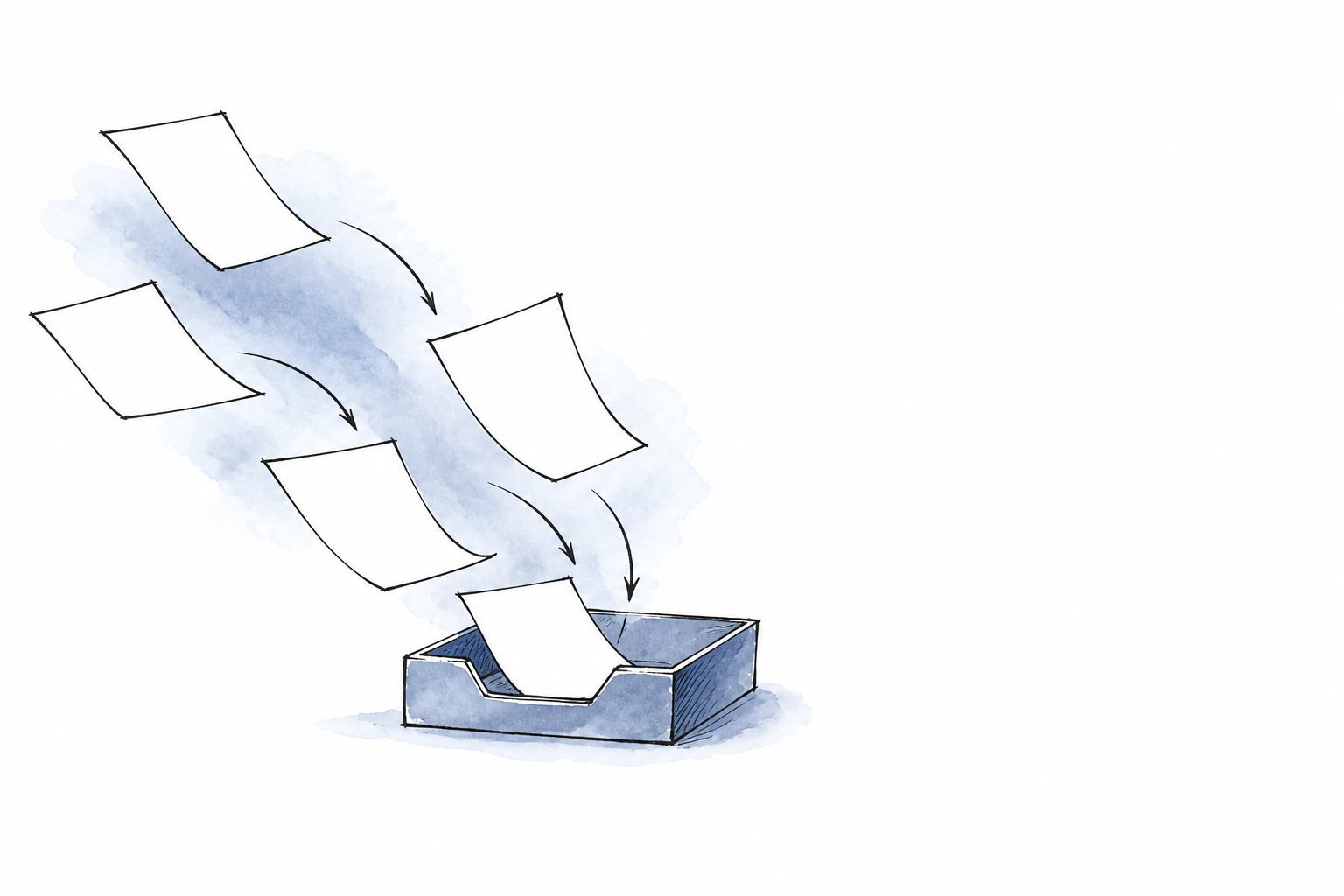
InkGist turns a pasted link into a summary and a knowledge card, then retains the original on its bookmarks page. According to appinn, each card can explain a source's core function and suggest a to-do action, making saved material an intake point rather than a passive folder. The appeal is immediate: capture first, ask questions later.
sspai makes the same case for an oversized memo-app Inbox, where unorganized ideas can wait without forced categorization. The useful system combines that low-friction capture with enough separation to prevent clutter. Review and human structure then turn recalled sources into finished work.
Start with a low-friction inbox
InkGist makes capture the first decision, not classification. Paste in a link and the platform generates a summary, then saves that link on its bookmarks page as a knowledge card. According to appinn, each card includes an explanation of the source's core function and a guide to possible next actions. The saved link therefore remains available, but the first encounter can be about deciding whether it deserves attention.
An inbox is permission to postpone sorting.
sspai recommends a phone memo app as a large Inbox for ideas that have not yet been organized. Its author argues that temporary placement gives a Now-Library structure flexibility: a note can enter the system before anyone knows its eventual category. That same logic extends beyond links. A file can arrive unlabelled. So can a screenshot, or material from a meeting. The aim is not to make disorder permanent; it is to remove organization as the price of capture.
woshipm describes using an assistant with long-term memory, called Alex's assistant, to process company documents, CMS screenshots, and meeting transcripts without prior classification. It did not require tags or reformatting. After a 3 p.m. product evaluation meeting convened by the CEO, the author asked for the transcript to be organized. Within five minutes, the result contained three key decisions and five action items. That is the practical appeal of AI intake: material can enter in its original form, while a usable first pass arrives quickly. As woshipm's author argues, the shift is from storing material toward asking questions of it, with AI taking on organization. It can also support association and indexing.
Keep current work separate from the archive
INL-Inbox, Now, Library-offers a minimum boundary between material being used and material merely kept. According to sspai, Inbox is temporary, Now holds current priorities, and Library stores all notes. The distinction matters when an AI corpus expands: a saved item can be available for retrieval without being allowed to compete with the work that needs attention.
Library is the default home, while Now is a deliberate extraction of the notes currently in focus, sspai says.
That is a challenge to the idea that AI can make classification disappear entirely. The woshipm author argues that AI can accept screenshots or files without prior organization, then handle classification. It can establish associations and build an index. That removes sorting from the moment of capture. It does not decide what deserves active attention. INL keeps that decision visible: material enters, remains in Library, and moves into Now when it serves the current priority.
A Now Key can make the boundary sharper. sspai proposes distilling a group of notes into one or two core sentences, then folding the underlying notes back into Library. The current work stays legible; the source material remains accessible. This is less a folder scheme than an attention mechanism made explicit in the note structure.
The same principle appears in woshipm's described work brain, which combines a knowledge base with workflows. It also uses an AI agent manager. Its separate project areas retain background, data, requirements, meeting minutes, and process files. AI can organize an archive, but active work still needs a defined place.
Treat summaries as triage, not retention
InkGist makes the first pass compact: webpage summaries appear as cards, while every summarized link remains on its bookmarks page, according to appinn. That can turn a set of open browser tabs into material that is easier to scan later. The summary is an entry point, not the record itself.
This distinction matters because saved material can become invisible even when search exists. The woshipm author describes exporting several hundred documents accumulated over three years when leaving a job, including product PRDs, competitor analyses, user-interview notes, industry-report summaries, and retrospective notes. When looking for a product feature's data analysis from one year earlier, the author received 15 Feishu knowledge-base results. Three were duplicates, and two were documents the author did not remember writing.
Finding the needed document took nearly 10 minutes.
A summary card is therefore best treated as triage: enough context to decide whether a link deserves attention or reuse. It may also be ready for disposal. Keep the original source available when its wording may need checking. Its evidence or provenance may also need checking. That includes a source behind a product decision, an interview note likely to inform later research, or an analysis that may be revised. A card can point back to that material; it should not quietly replace it.
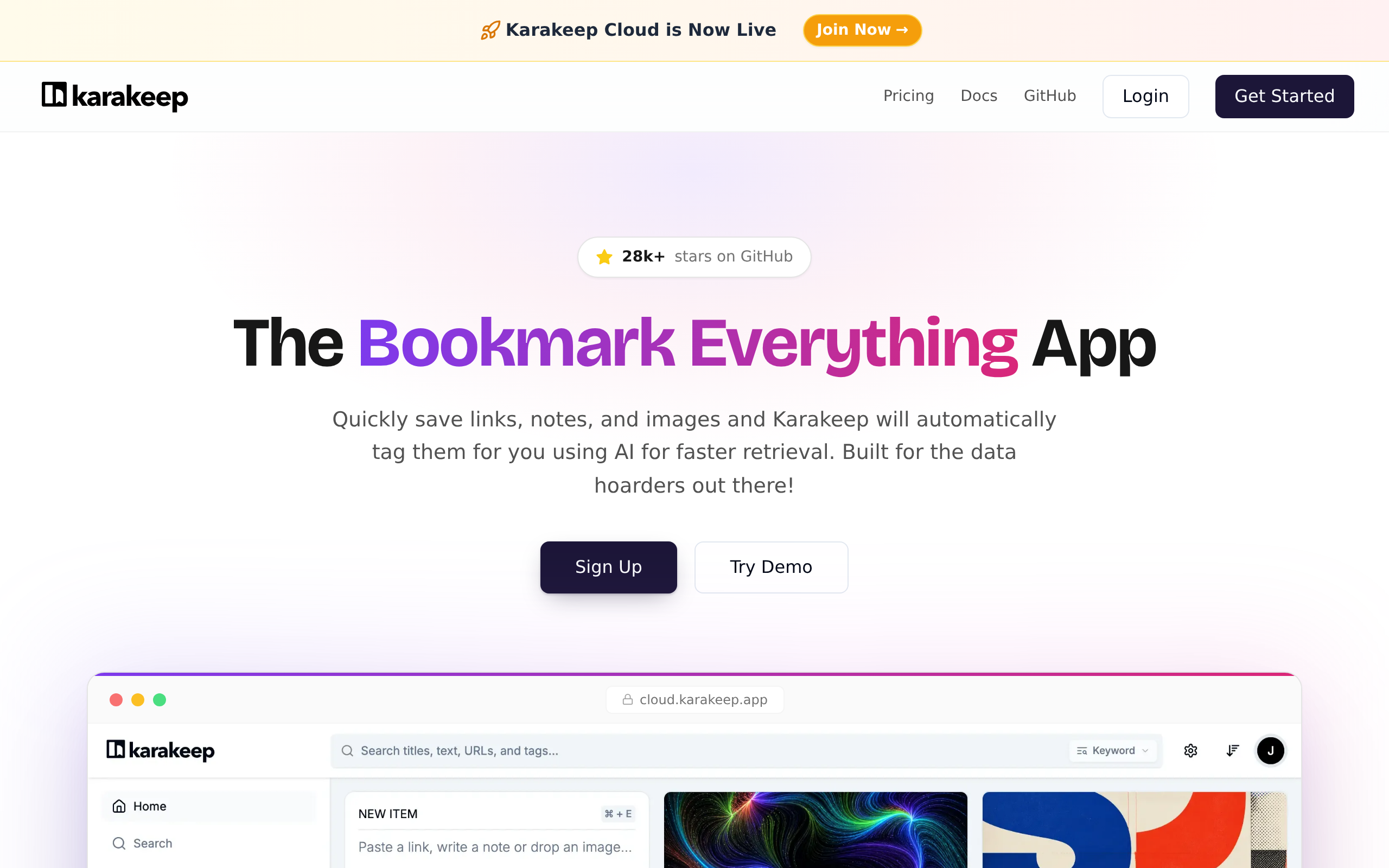
InkGist also supports manual export in.html and Obsidian / markdown formats, and can synchronize directly to Karakeep, appinn reports. Those options matter when a source needs to leave the summary layer and become durable working material. Its example service has a daily limit of 10 links, which also encourages selection rather than indiscriminate capture. As woshipm's author argues, AI can shift knowledge management toward asking questions, with organization and indexing handled by the system. But retrieval only helps when the underlying source remains inspectable and worth returning to.
Give recurring work an index and a template
Raw material can answer immediate onboarding questions because the first task is orientation, not repeated production. After joining an AI anime-generation company as a product manager in July 2026, woshipm's author encountered more than 60 documents on the second day. They covered product architecture, technical architecture, OKRs, competitor analysis, and PRDs. The CMS backend alone had 18 functional modules; the evaluation system held 108 historical records, nine standards, and eight evaluation sets. An AI assistant processed the material into six tutorial documents totaling more than 30,000 Chinese characters.
That is useful compression, but it is not yet an operating system for work.
Recurring work changes the retrieval problem. A product manager cannot have AI reread every file whenever a project needs a decision or a deliverable. The woshipm author therefore describes multi-layer dynamic indexes that point AI toward work paths, general assets, and project contents. General assets include methodologies and Skills. They also include design specifications, lessons learned, templates, materials, plus checklists. Each project also gets its own area for background, data, requirements, meeting minutes, and process files.
This separation makes standardization productive rather than bureaucratic. In the described workflow, AI converts Word and Excel binary files into Markdown, then creates file indexes. For new-product work, it can turn background information and data into a requirements document, a prototype-design specification, then an annotated HTML prototype. Complete meeting minutes can also produce recommendations for reporting priorities and advance communication before delivery.
The template supplies a repeatable route; the index tells AI where that route begins. AI can surface that the story-creation module's instructions had been iterated six times, while another module had reached 35 iterations. Human teams still decide what those histories mean. The system's value is that it preserves the materials. It also preserves the structure and workflow needed to turn retrieval into sustained output.
Three approaches to turning saved material into usable work
| InkGist | INL note structure | AI work brain | |
|---|---|---|---|
| Primary role | AI web-page rapid reading and cloud bookmarks | A note-management structure of Inbox, Now, and Library | A system combining a knowledge base, workflows, and an AI agent manager |
| How material enters | Paste a link for automatic summarization | Use a phone memo app as a large Inbox; add Inbox areas across the knowledge base | Ingest documents, CMS screenshots, and meeting transcripts without classifying, tagging, or reformatting them |
| Unit of organization | Saved links become knowledge cards; every summarized link is saved on a bookmarks page | Inbox holds temporary material, Now holds current priorities, and Library stores all notes | General assets are separated from project areas containing background, data, requirements, meeting minutes, and process files |
| AI assistance | Generates webpage summaries, including a core-function explanation and a to-do action guide | Not covered | Handles organization, classification, association, and indexing; can generate work outputs from project material |
| Attention design | Can replace open browser tabs by saving summarized links for later reference | Keeps current notes in Now, less-frequently used notes in Library, and uncategorized material in Inbox | Uses dynamic indexes so AI can identify work paths, general assets, and project contents without analyzing all files every time |
| Retrieval and indexing | Automatically creates tags | A Now Key can distill a group of notes into one or two core sentences while original notes are folded into Library | Uses multi-layer dynamic indexes and can create file indexes |
| Action output | Summary cards include a to-do action guide | Supports prioritization rather than specified document generation | Can generate requirements documents, prototype-design specifications, annotated HTML prototypes, follow-up plans, and retrospectives |
| Review loop | Not covered | Not covered | Reviews completed work, identifies workflow and knowledge-base improvements, and updates confirmed lessons, methods, and rules |
| Export or handoff | Supports.html and Obsidian / markdown export; can synchronize to Karakeep | Can be used in Notion, Obsidian, Ulysses, and other three-pane note-taking software | Can upload requirements, specifications, and prototypes to TAPD and ZenTao for delivery to developers |
| Stated constraint or cost | The example service has a daily limit of 10 links | Not covered | Token usage rose sharply after implementing the system |
Use AI for intake and retrieval; preserve structure for active work
- You are onboarding into an unfamiliar team or project with a large set of documents, screenshots, and meeting transcripts. Start by loading the raw material into an AI assistant and asking questions rather than classifying everything first. In one reported onboarding case, an assistant processed company documents, CMS screenshots, and meeting transcripts without prior tagging or reformatting, then produced tutorial documents and meeting summaries. Treat this as triage and orientation, not as a replacement for a project record.
- You need to save articles or links now but do not have time to organize browser tabs and bookmarks. Use a capture layer such as InkGist: paste links, keep the generated summary cards, and return to the saved bookmark page later. Its cards include a core-function explanation and a to-do action guide, while automatic tags can reduce initial filing effort. Do not confuse captured links with current priorities: move only actively relevant material into a visible Now area.
- Your notes are accumulating faster than you can categorize them, and the collection feels psychologically heavy. Adopt Inbox, Now, and Library. Put unprocessed material in Inbox, keep current priorities in Now, and retain the full collection in Library. The practical rule is to leave all notes in Library by default and extract the currently focused ones into Now; nesting less-used categories under More keeps frequent destinations visible.
- You are doing recurring professional work that must produce requirements, handoffs, reports, or retrospectives. Do not rely on a flat archive or ad hoc chat alone. Maintain separate project areas for background, data, requirements, meeting minutes, and process files, alongside reusable assets such as methodologies, templates, specifications, lessons learned, and checklists. Build indexes so AI can find relevant work paths and materials without analyzing every file for every request.
- You want AI-generated outputs to improve future work rather than become one-off drafts. Add a human confirmation loop after delivery. Have the system review completed work and propose workflow and knowledge-base improvements, but only update lessons, methodologies, and ambiguous rules after review. Use the same loop to turn meeting records into actions, missing-detail questions, and retrospectives.
Build review loops around AI memory
AI memory needs a review loop, or it simply accumulates decisions whose origins become hard to inspect. InkGist offers manual exports in.html and Obsidian / markdown formats, according to appinn. It can also be self-hosted. Those options keep saved material portable: a link collection can be moved, inspected outside the service, or retained in an environment the user controls.
Portability is a practical form of accountability.
The review loop should examine finished work rather than blindly rewriting the archive. The woshipm author describes having a work brain review completed work, identify changes to workflows and the knowledge base, then produce an improvement plan for human confirmation. Only after confirmation does the system add lessons to notes, move verified methods into methodologies, and clarify ambiguous rules. That sequence preserves human judgment at the point where AI suggestions become durable process.
The same author says the system can prepare follow-up plans, request missing details, and complete a retrospective with limited supervision of intermediate steps. Yet token use rose sharply after this system was implemented. Review therefore has an attention cost as well as a computing cost. sspai's author recommends Inbox areas at several levels of a knowledge base and inside individual notes; separating important notes from unimportant ones can also reduce the burden of facing a large collection.
InkGist's integrations support an exit path as well as capture. appinn reports that a suggestion led developer @Loe to add one-click sending to a third-party service such as Karakeep. The goal is not permanent dependence on a single AI memory. As woshipm's author argues, the lasting value comes from experience built up through use. It gains value when people check it and revise it continually-not from the tool holding it.
Treat AI output as a draft that must leave an audit trail. Keep source links beside current work. Record the missing details the system asks for. Turn approved improvements into notes. Use verified methods or clarified rules, as the woshipm author describes.
For recurring delivery, preserve explicit handoffs to TAPD or ZenTao and schedule a retrospective before lessons disappear into chat history. Watch token usage closely: the author reports that it rose sharply after implementing this kind of system.
The real asset is the evolving record of decisions and methods.
woshipm's author argues that tools do not create the compounding value; accumulated experience does. That distinction matters when an AI-generated report reduces a task that once took two full days to more than half an hour: reuse depends on the research data and prior methodology remaining inspectable. They must be correctable. They must be available for the next assignment.
For readers outside China
- Availability: InkGist is described as an AI web-page rapid-reading and cloud-bookmark platform, and it can be self-hosted. The source material does not say where its hosted service is available, whether it is available outside China, or which languages it supports. It can export.html and Obsidian / markdown formats and can synchronize directly to Karakeep.
- Pricing: No subscription or self-hosting price is disclosed in sources. InkGist's example service has a daily limit of 10 links. The sources also say that token usage rose sharply in one AI work-brain implementation, but do not disclose the associated cost.
- Closest Western equivalents: Notion; Obsidian; Ulysses; Karakeep
- Data residency: The sources do not say where InkGist or the described AI assistant stores data, whether uploaded files leave a user's region, or what retention and access controls apply. Self-hosting is available for InkGist, but the source material does not specify its deployment, storage, or privacy characteristics.
Sources
- woshipm 我用AI干了什么:入职第二天,我放弃了建知识库的念头 https://woshipm.com/ai/6434784.html
- appinn 墨萃 - InkGist - 帮你处理看不完,舍不得关的标签页 https://appinn.com/inkgist
- woshipm 搭建工作大脑:我是如何把产品工作托管给AI的 https://woshipm.com/ai/6436717.html
- sspai 分享我知识管理 12 年来最重要的经验:INL 结构 https://sspai.com/post/113368
The evidence: 28 facts from 4 Chinese articles
Each line below was extracted from the article it sits under, in Chinese, before any of this was written. The writing is done from these and never from the source prose - that separation is structural, not a promise. How we work.
appinn墨萃 · InkGist – 帮你处理看不完,舍不得关的标签页
- Users can paste a link into InkGist, and it automatically generates a summary.
- InkGist presents webpage summaries as cards.
- InkGist summary cards include a core-function explanation and a to-do action guide.
- When given InkGist's code repository, InkGist suggested importing bookmarks or self-hosting an instance.
- When given another Skill project, InkGist suggested installing it with Codex or viewing its results.
- Every link summarized by InkGist is saved on its bookmarks page.
- InkGist can automatically create tags.
- InkGist supports manually exporting content.
- InkGist currently supports.html and Obsidian / markdown export formats.
- InkGist can directly synchronize content to Karakeep.
- InkGist's example service has a daily limit of 10 links.
- InkGist can be self-hosted.
- Developer @Loe added a feature for one-click addition to a third-party service such as Karakeep after a suggestion from Qing Xiaowa.
sspai分享我知识管理 12 年来最重要的经验:INL 结构
- INL stands for Inbox, Now, and Library.
woshipm我用AI干了什么:入职第二天,我放弃了建知识库的念头
- The woshipm author exported several hundred documents accumulated over three years when leaving a job, including product PRDs, competitor analyses, user-interview notes, industry-report summaries, and retrospective notes.
- The woshipm author searched a Feishu knowledge base for a product feature's data analysis from one year earlier and received 15 results, including three duplicates and two documents the author did not remember writing.
- The woshipm author spent nearly 10 minutes finding the needed document in the Feishu knowledge base.
- The woshipm author joined an AI anime-generation company as a product manager in July 2026.
- On the second day at the new company, the woshipm author faced more than 60 company documents covering product architecture, technical architecture, OKRs, competitor analyses, and PRDs.
- The company's CMS backend had 18 functional modules.
- The company's evaluation system had 108 historical data records, nine evaluation standards, and eight evaluation sets.
- The woshipm author used a chat assistant with long-term memory called "Alex's assistant" to process company documents, CMS screenshots, and meeting transcripts without classifying, tagging, or reformatting them.
- The woshipm author generated six tutorial documents totaling more than 30,000 Chinese characters from the AI assistant's processing of raw materials.
- The AI assistant told the woshipm author that the story-creation module's instruction set had been iterated six times, while another module had been iterated 35 times.
- After a 3 p.m. product evaluation meeting convened by the CEO, the woshipm author asked the AI assistant to organize the meeting transcript and received a meeting summary within five minutes containing three key decisions and five action items.
woshipm搭建工作大脑:我是如何把产品工作托管给AI的
- The woshipm author describes a "work brain" built from a knowledge base, workflows, and an AI agent manager.
- The described knowledge base contains general assets such as methodologies, Skills, design specifications, lessons learned, templates, materials, and checklists.
- The described system maintains separate project areas containing each project's background, data, requirements, meeting minutes, and process files.